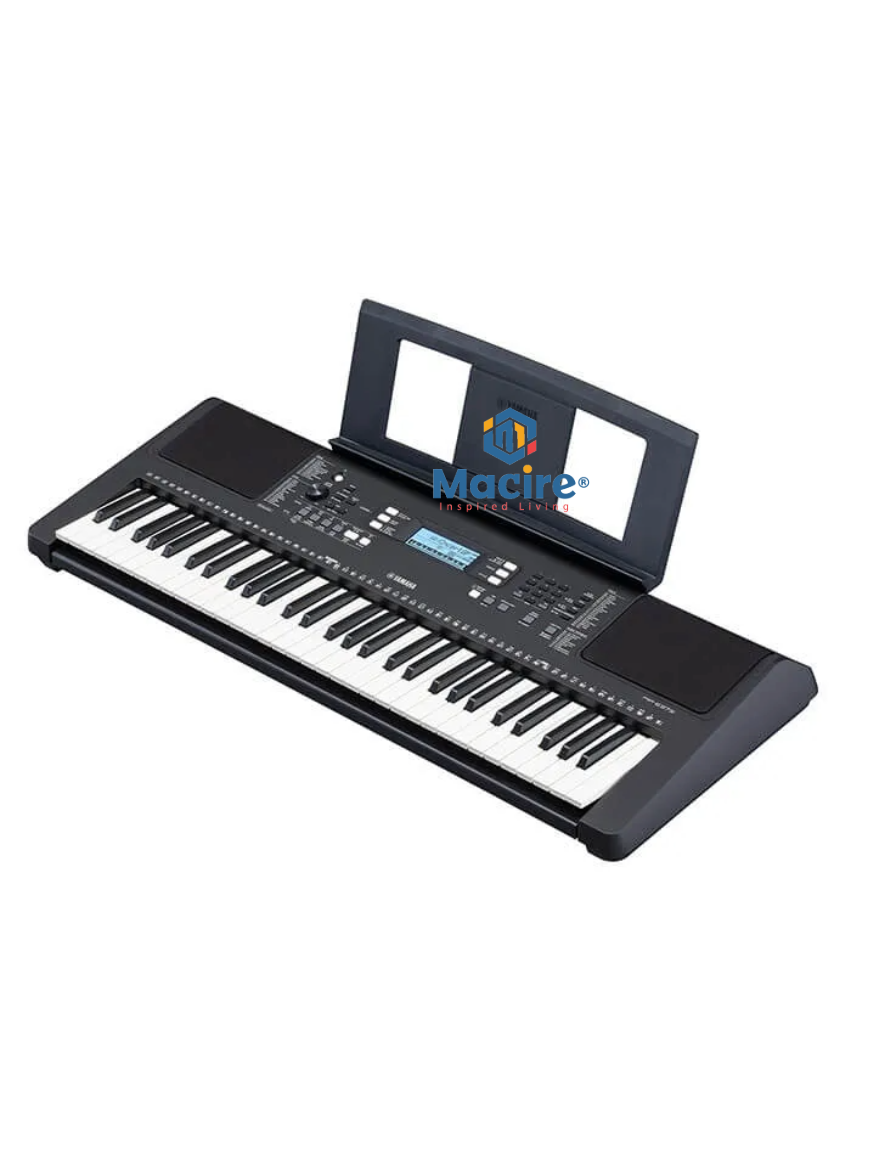
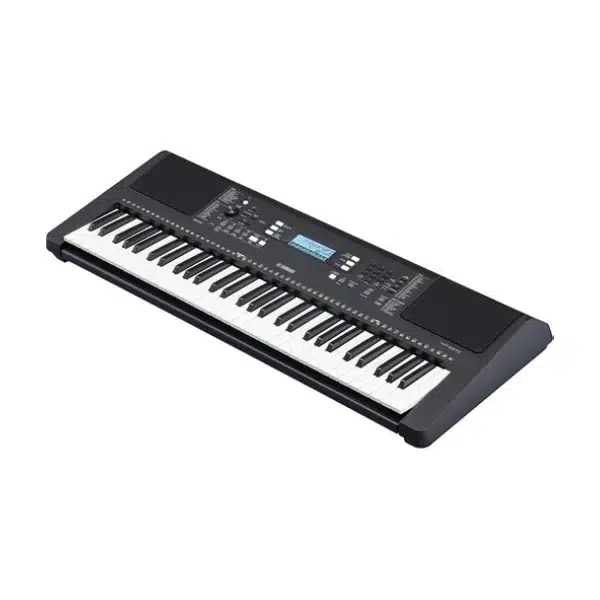
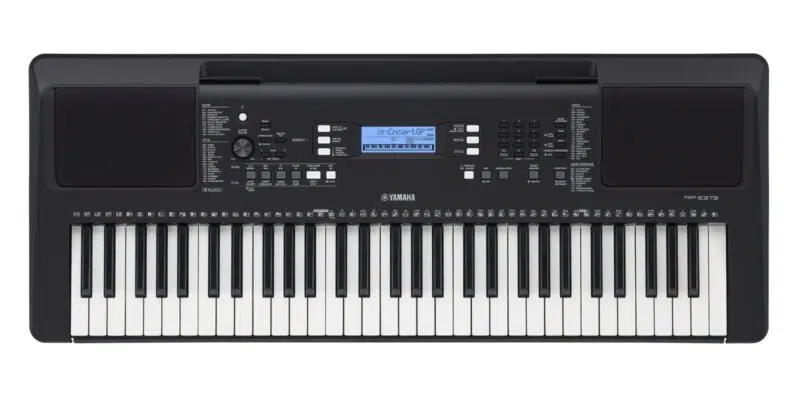
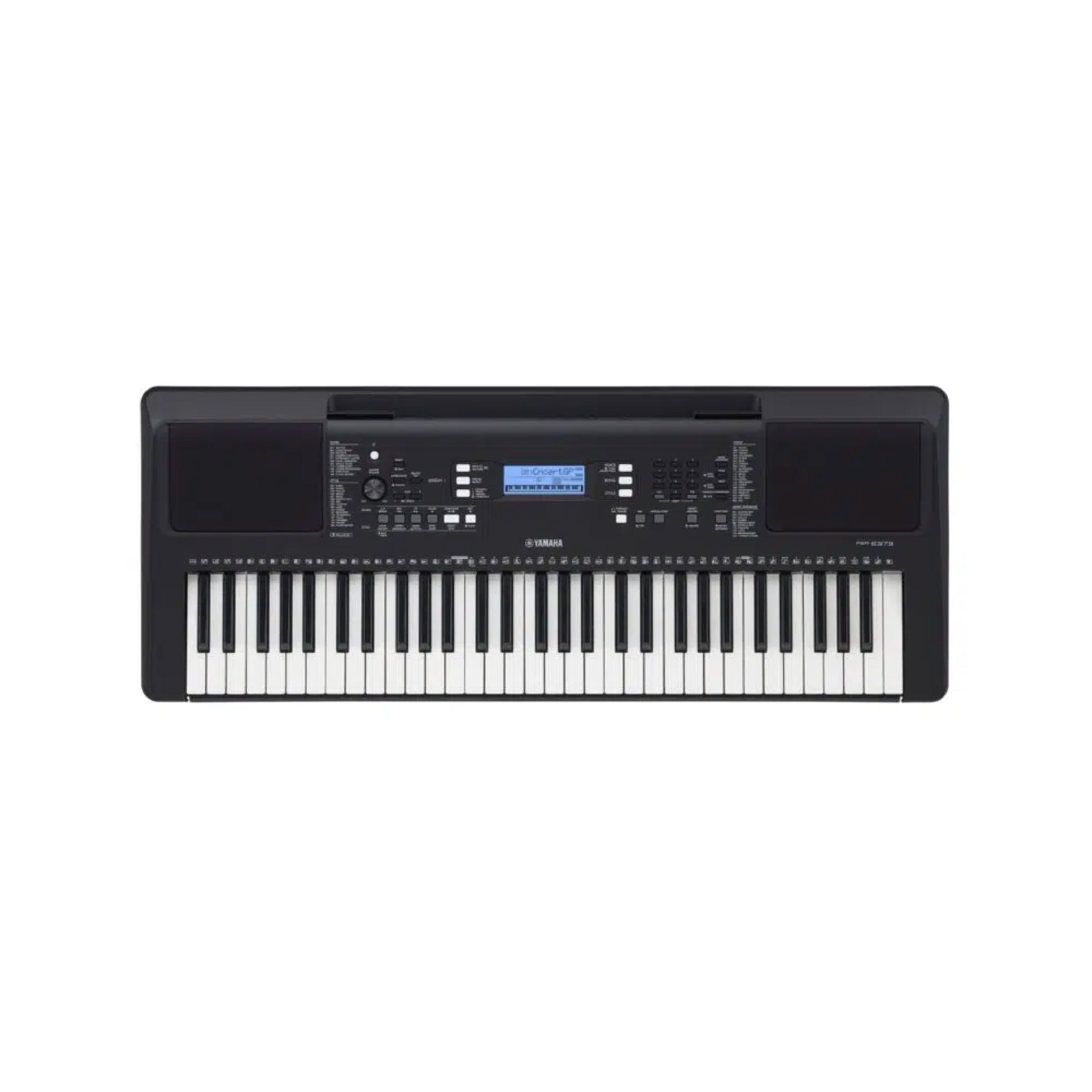
???? 61-Key Yamaha PSR-E373 Electronic Keyboard Piano – Touch-Sensitive Keys, Premium Voices & Learning Tools ????✨
???? 61-key touch-sensitive keyboard with realistic feel
???? 622 voices & 205 rhythms for unlimited creativity
???? Yamaha Education Suite for self-learning progress
???? Headphone jack – practice silently anytime
???? Perfect for beginners & advancing musicians
✅ Trusted Yamaha quality – available at Macire!
???? Key Features & Benefits
✅ 61 Touch-Sensitive Keys – Dynamic sound response.
✅ 622 Instrument Voices & 205 Styles – Explore every genre.
✅ Super Articulation Lite Voices – Realistic instrument tones.
✅ Yamaha Education Suite (Y.E.S.) – Built-in guided lessons.
✅ Duo Mode – Two people can play together.
✅ Groove Creator & Quick Sampling – Remix and create beats.
✅ USB to Host (MIDI & Audio) – Seamless software connection.
✅ Lightweight & Portable – Easy to move around.
???? Technical Specifications
| Specification |
Details |
| Model |
Yamaha PSR-E373 |
| Keys |
61 Touch-Sensitive |
| Voices |
622 |
| Styles |
205 |
| Songs |
154 |
| Polyphony |
48 Notes |
| Special Features |
Super Articulation Lite, Groove Creator, Quick Sampling |
| Functions |
Lesson, Duo, Arpeggio, Smart Chord |
| Connectivity |
USB to Host, Sustain Pedal, Headphone Jack |
| Power Supply |
6 × AA Batteries / AC Adaptor |
| Weight |
4.6 kg |
???? Applications & Use Areas
-
???? Beginner & Intermediate Pianists – Progress with guided learning.
-
???? Music Schools & Teachers – Ideal for teaching with Duo mode.
-
???? Home Practice – Learn and practice comfortably.
-
???? Beat Creation – Groove Creator for EDM and pop styles.
-
???? Performances – Suitable for small gigs and live sessions.
???? Maintenance Tips
✔️ Wipe keys weekly with a microfiber cloth.
✔️ Avoid extreme heat or humidity.
✔️ Use a surge protector with adaptor.
✔️ Cover keyboard when not in use.
✔️ Remove batteries during long storage.
???? DIY Setup Guide
1️⃣ Place keyboard on a stand.
2️⃣ Plug in the adaptor or insert batteries.
3️⃣ Attach sustain pedal if available.
4️⃣ Connect headphones or speakers.
5️⃣ Power ON and select a voice/style.
⚠️ Do’s & Don’ts
Do’s:
✔️ Use lesson mode daily.
✔️ Connect to apps/software for more practice.
✔️ Try Groove Creator for custom beats.
Don’ts:
❌ Don’t leave in direct sunlight.
❌ Don’t press keys too forcefully.
❌ Don’t store with batteries for months.
❓ FAQs
Q1: Is the PSR-E373 good for beginners?
???? Yes, it’s designed with touch-sensitive keys, lesson mode, and easy-to-use features.
Q2: Can it connect to a computer?
???? Yes, it supports USB MIDI & audio.
Q3: Does it work with a sustain pedal?
???? Yes, sustain pedal input is available.
Q4: Can I record my music?
???? Yes, it allows basic recording and playback.
Q5: What’s the difference between PSR-E360 and E373?
???? The E373 has touch-sensitive keys, more voices, and better features.
???? What’s in the Box
???? Available at Macire
Upgrade your music journey with the 61-Key Yamaha PSR-E373 Electronic Keyboard Piano – a perfect blend of learning, creativity, and Yamaha sound quality. Available now at Macire!
???? Call/WhatsApp: +254 718 762 530
???? Visit: www.macire.co.ke
???? SEO Hashtags
#YamahaPSRE373 #ElectronicKeyboard #DigitalPiano #YamahaKeyboard #PortableKeyboard #BeginnerPiano #TouchSensitiveKeys #KeyboardForStudents #Macire #AffordableDigitalPiano





Reviews
There are no reviews yet.